What Is Nano Banana 2? The Complete Guide to Gemini’s AI Image Generator
Google’s latest state-of-the-art image model — create, edit, and reimagine visuals with world knowledge, quality, and speed in one place.
What Is Nano Banana 2?
Nano Banana 2 is Google’s newest AI image model inside Gemini. It combines advanced world knowledge, high-quality output, and strong reasoning with the speed you need to bring ideas to life. You get both image generation and photo editing in one flow: describe what you want, upload a reference, or edit an existing image — and Nano Banana handles creation and refinement with clear, controllable results. Whether you’re making art, marketing assets, or personal projects, it’s built to be both powerful and easy to use.
Dial In Every Detail
Nano Banana lets you totally transform the vibe of an image. Change lighting from a sunny day to a moody night, experiment with camera angles to find the perfect view, and adjust focus so your subject stands out. You’re in control of the details: tell Gemini what to shift, and the model applies those changes while keeping the rest of the scene coherent. It’s ideal for refining compositions, testing different atmospheres, and getting a shot that matches your vision without starting from scratch.
Style Applied in Seconds
Reimagine the look of your image using any reference photo. Take the texture, color palette, or overall style from one image and apply it to your subject — the easiest way to try different aesthetics without redrawing or restyling by hand. Upload a reference and describe what you want (e.g. “make this look like that photo”), and Nano Banana transfers the style while preserving your subject. Great for consistent brand looks, art experiments, and turning casual shots into polished, stylized visuals.
One Visual, Many Sizes
Make your creations work everywhere you share them. Nano Banana can resize images to fit any format — portrait, square, landscape, or aspect ratio for social, print, or ads — without cropping away the details you care about. You get one visual that adapts to multiple sizes, so your message stays consistent across channels and you spend less time manually recomposing or cropping.
Your Words, Placed Just Right
Create logos, invites, posters, comics, and more with clear, readable text inside your image. Nano Banana places words correctly in your creation and supports many languages, so you can generate graphics that need headlines, labels, captions, or dialogue without a separate design step. Describe the text and layout you want, and the model integrates it into the scene — useful for quick mockups, social graphics, and concept art with copy.
Get Inspired: How People Use Nano Banana
Here are some of the ways people use Nano Banana in Gemini to reimagine their photos and ideas:
- Impossible selfies: Add anything to a selfie — characters, scenes, or effects — with strong image creation and editing.
- Combine two photos: Upload two pictures and merge them into one image for collages, before/after, or creative composites.
- Figurine style: Turn a photo into a custom miniature-figurine look in one prompt.
- Different looks: Try 90s grunge, 80s preppy, or other eras and aesthetics with a single prompt.
- Retro mall portraits: Upload a pic and prompt something like “Turn this into a retro-style mall studio portrait.”
- Infinite hairstyles: Experiment with any hairstyle on a photo without a real makeover.
What You Can Create With Nano Banana 2
Sample images created with Gemini’s Nano Banana 2 — from character and fantasy scenes to professional portraits and creative concepts.
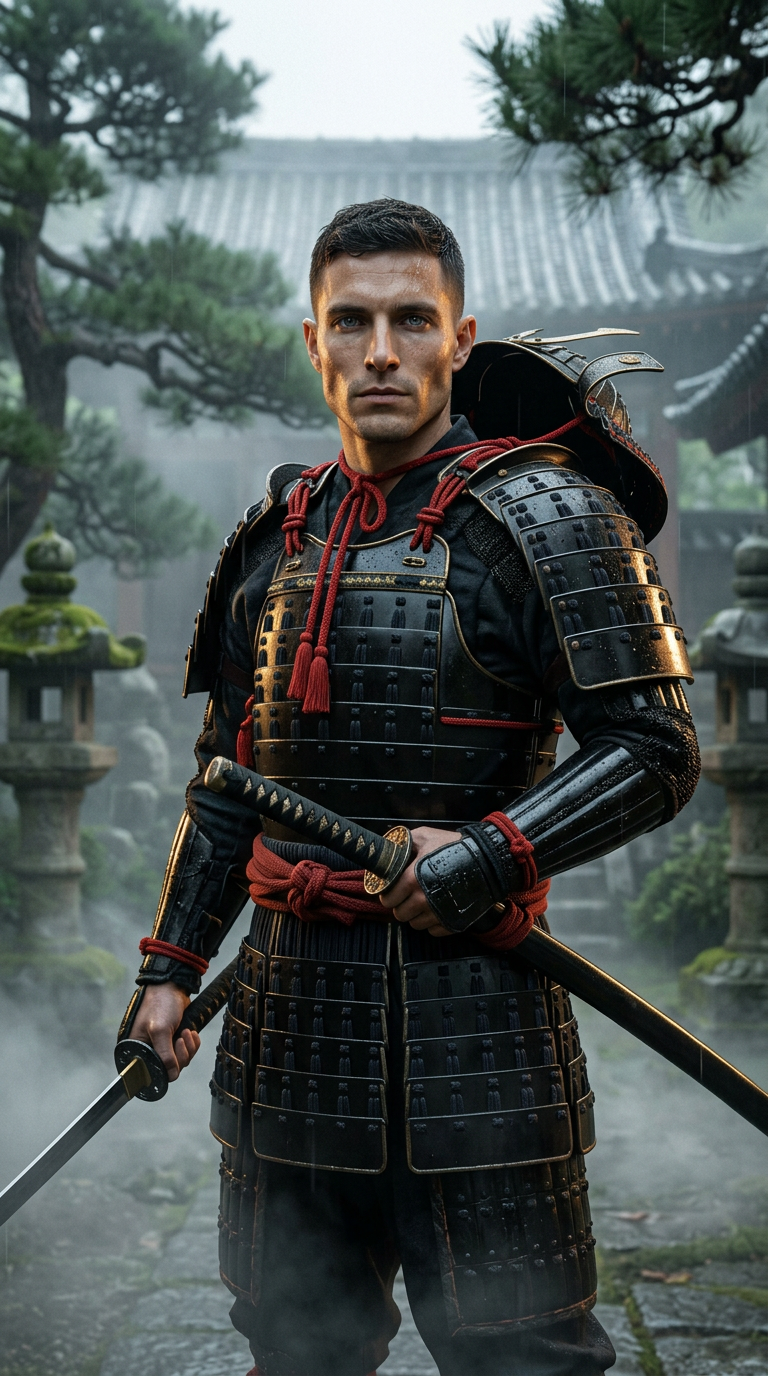
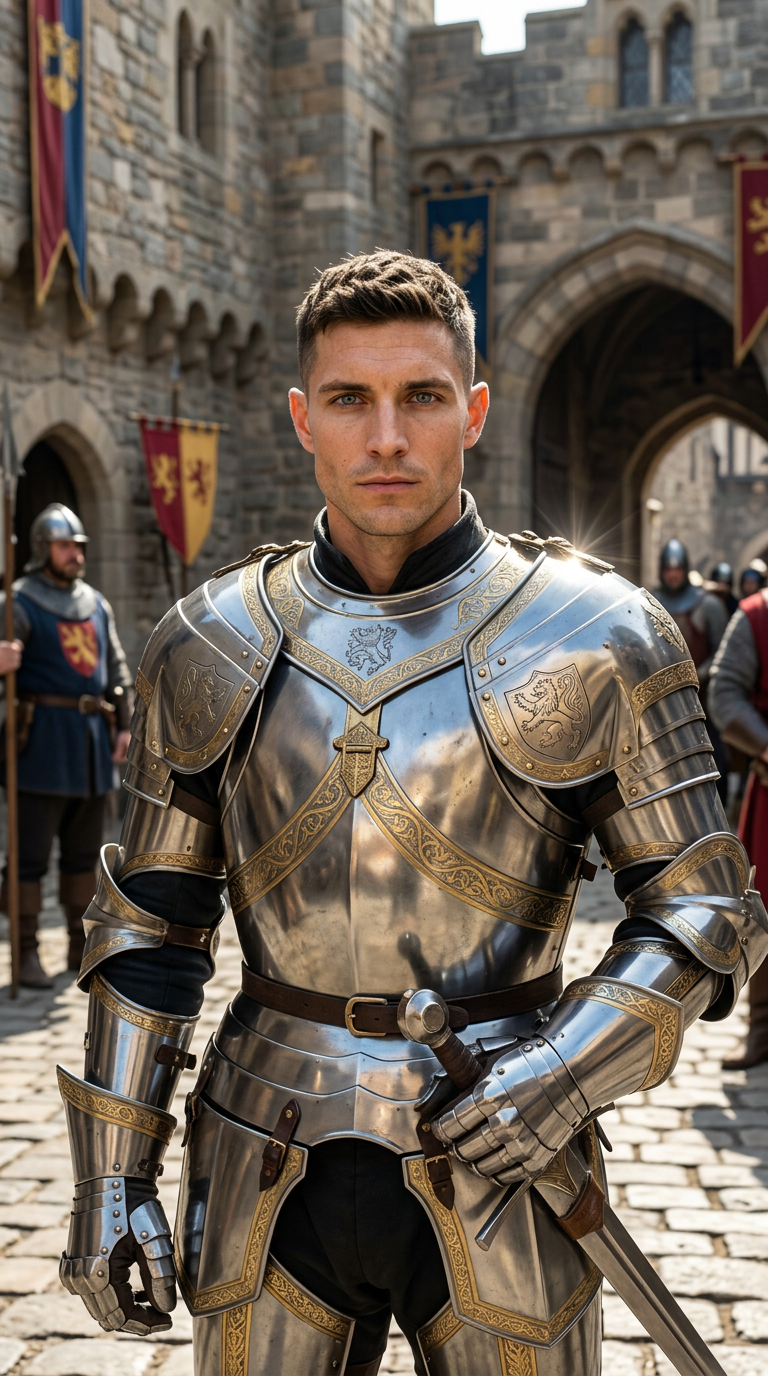
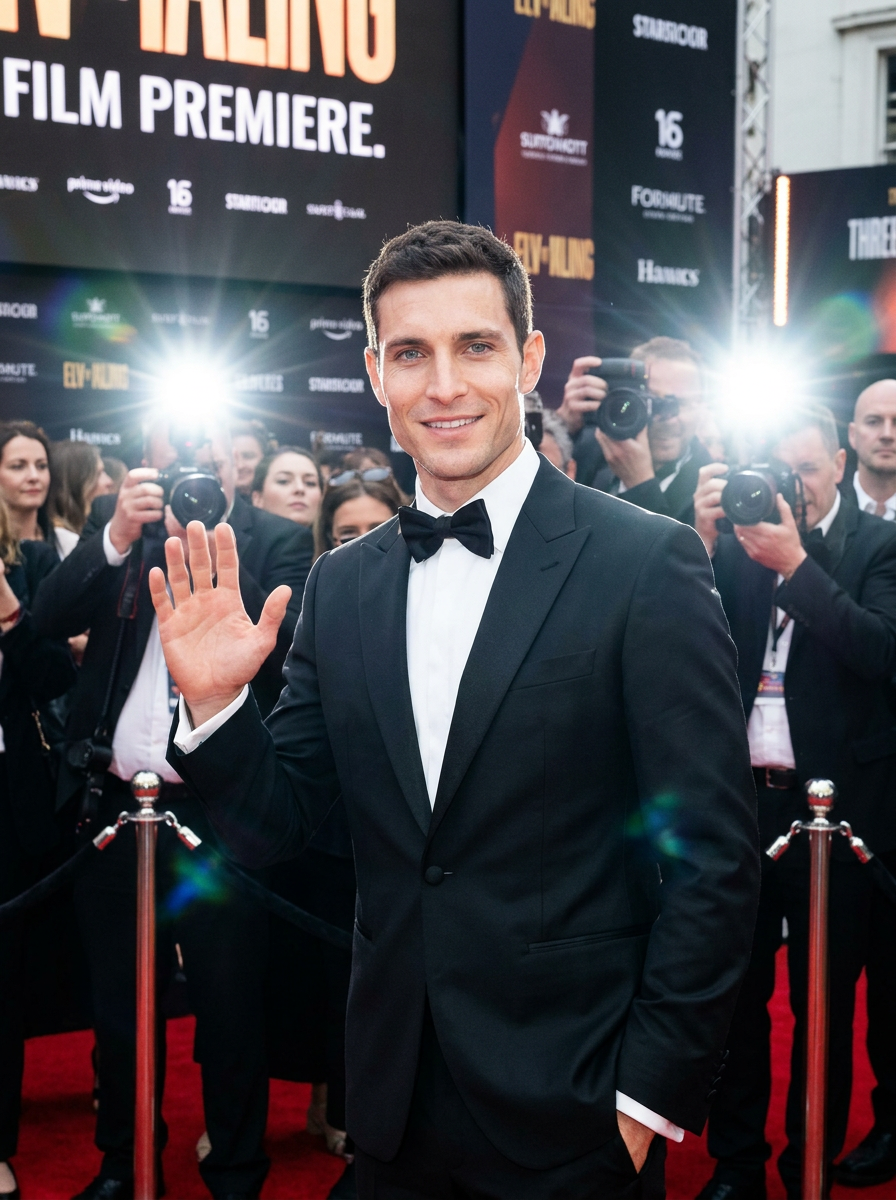

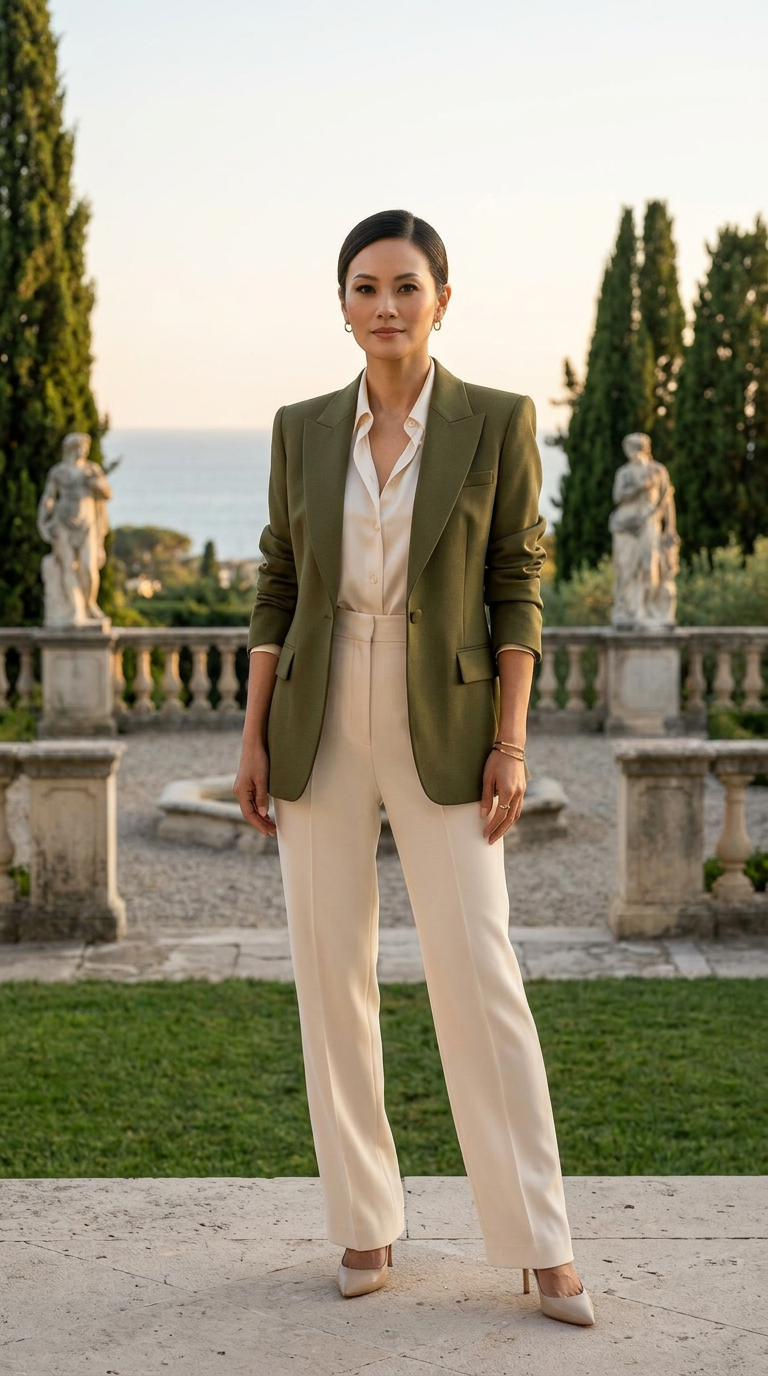
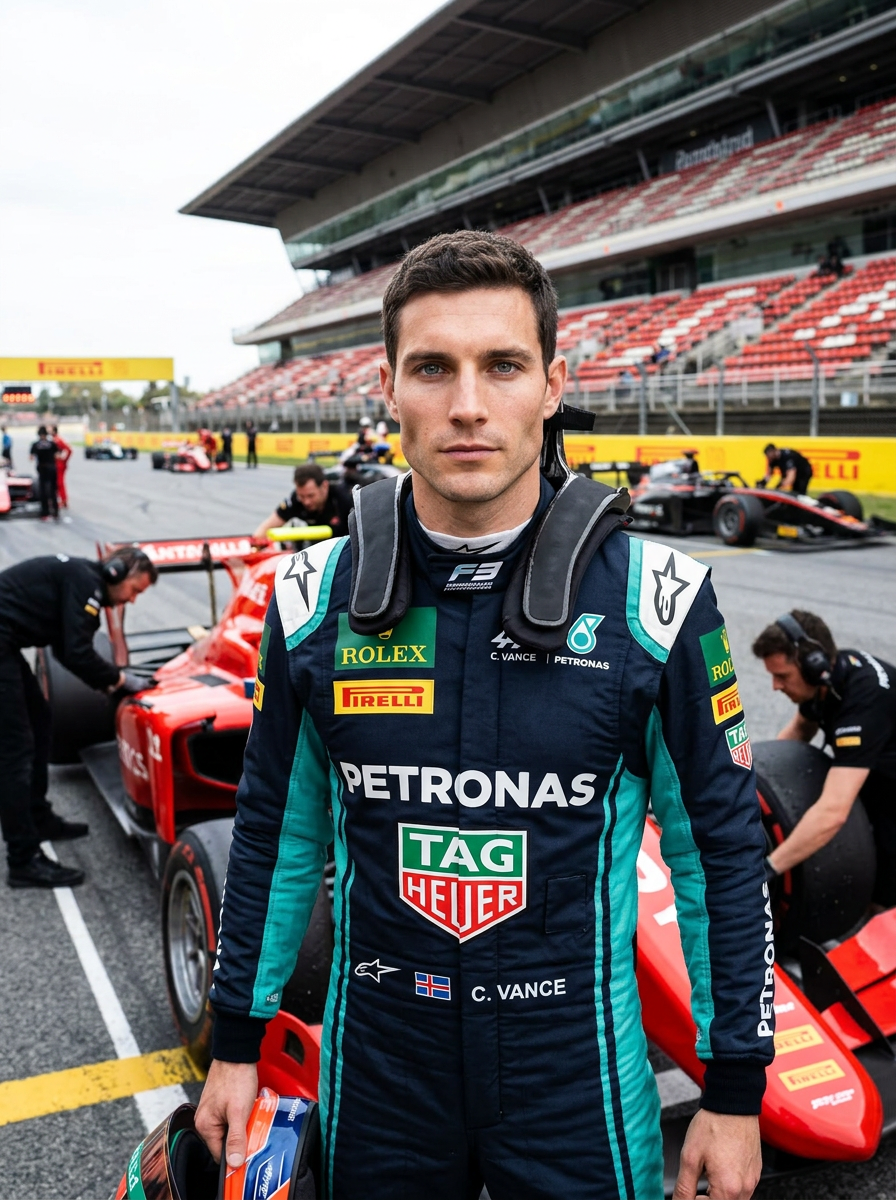
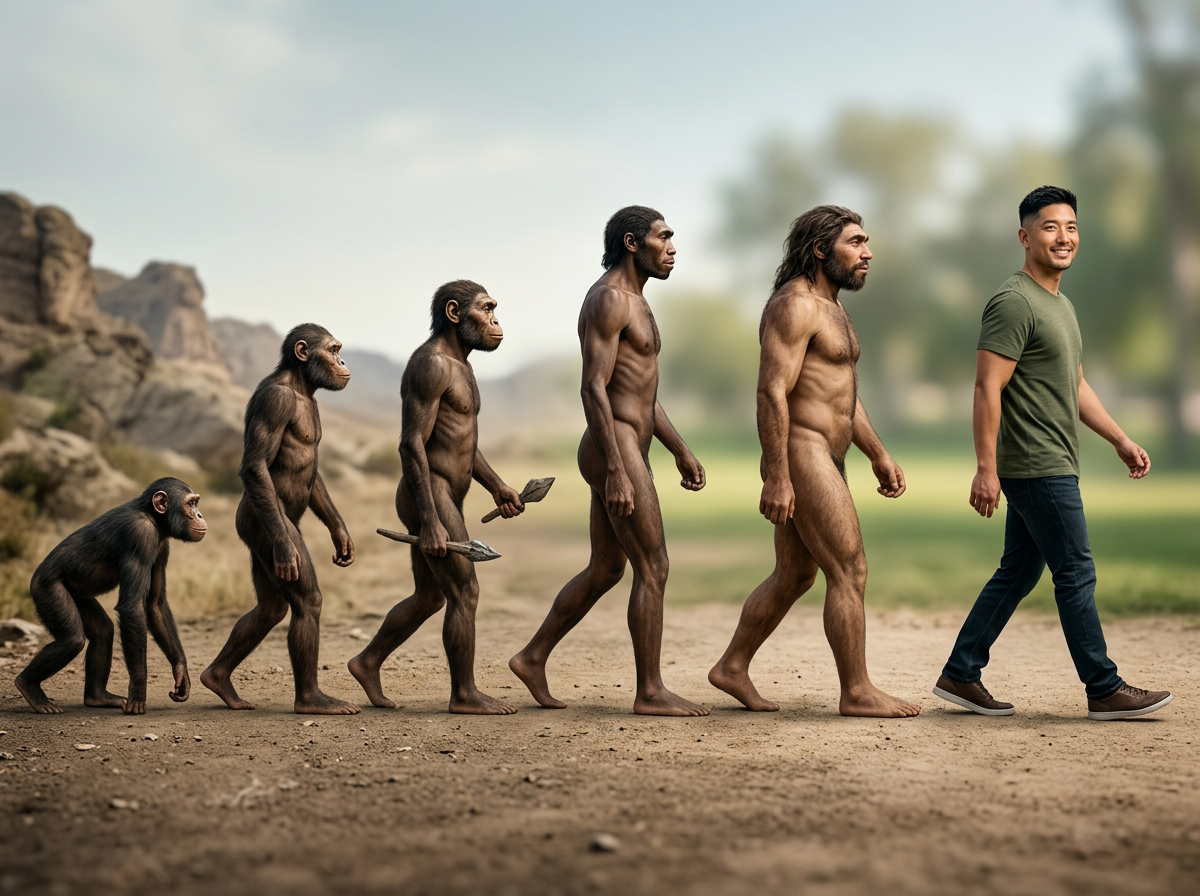
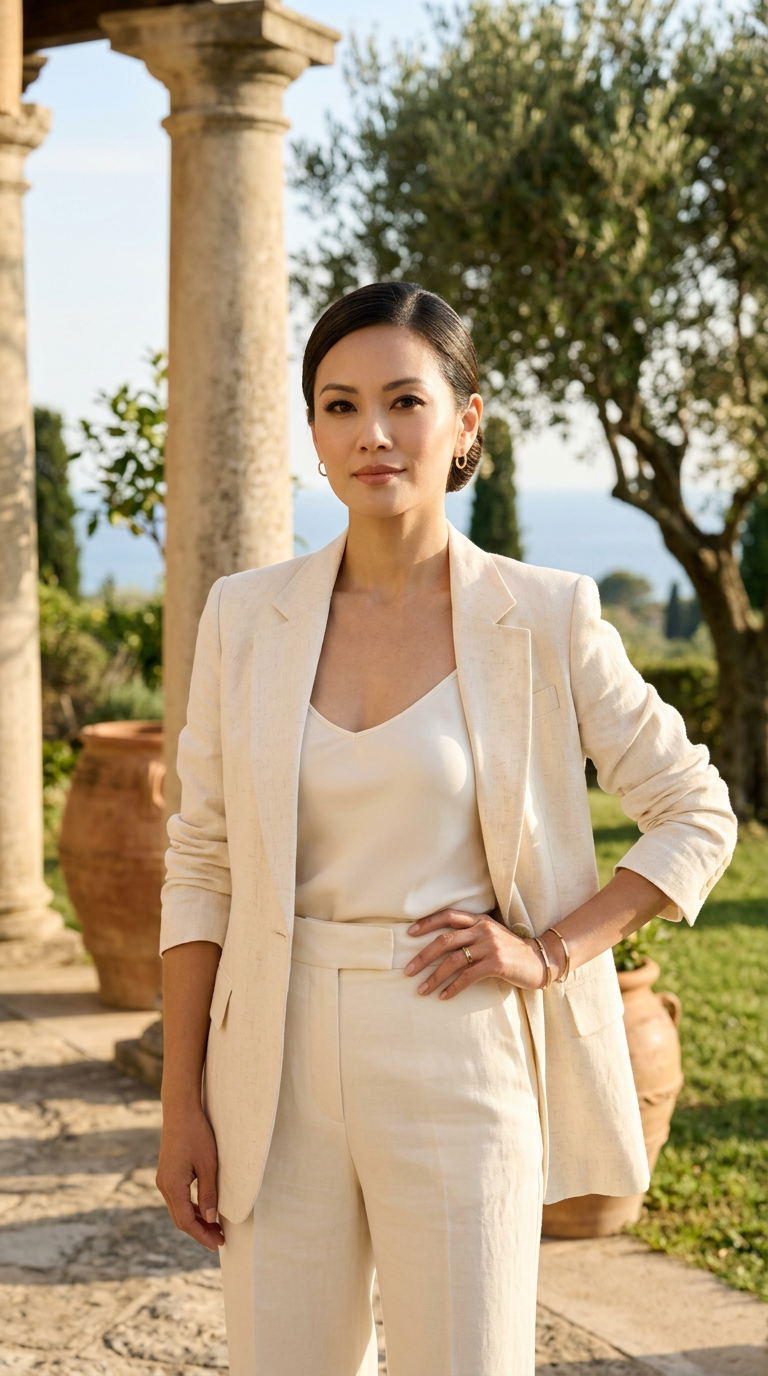
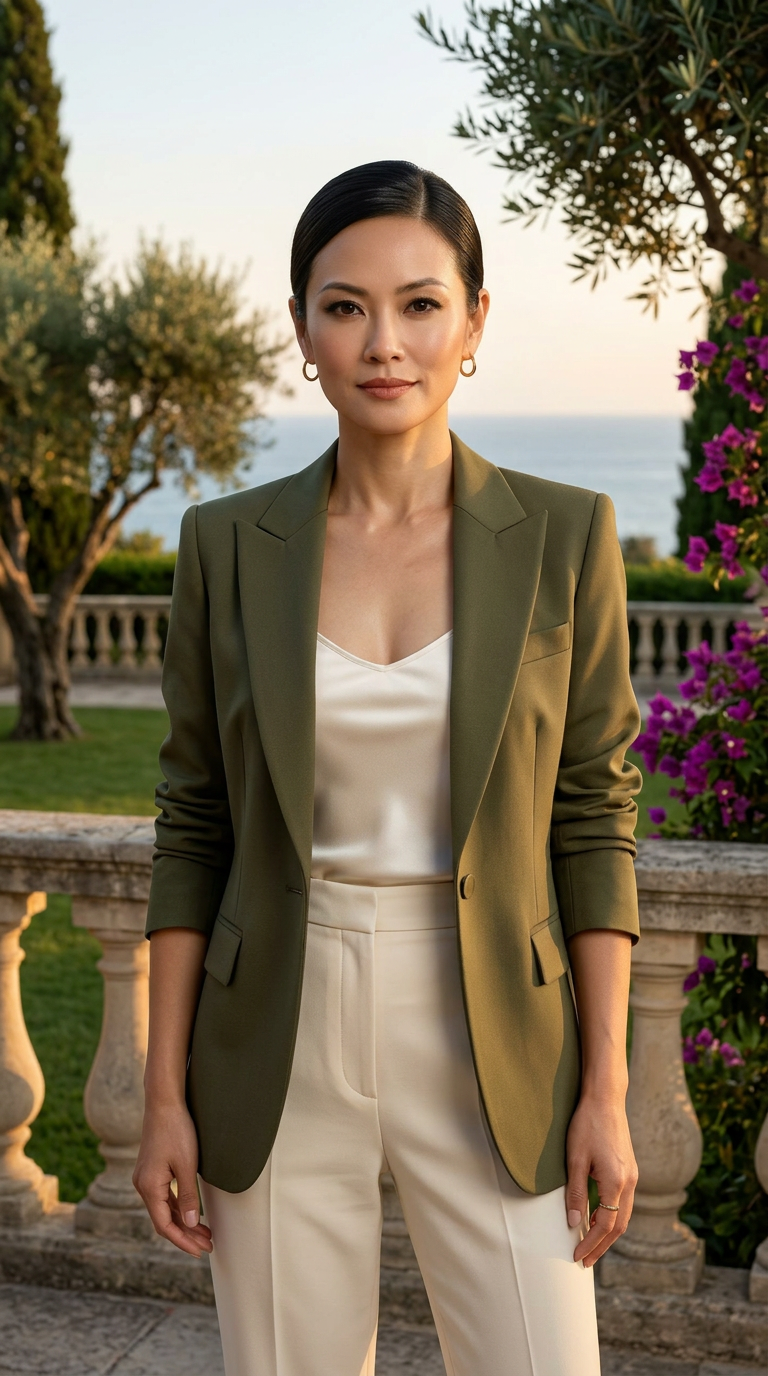
Examples created with Gemini Nano Banana 2 · AI image generation and editing
How to Create Better Images
To get the most out of Nano Banana 2, keep these tips in mind:
- Use a simple formula: Try “Create an image of [subject] [action] [scene]” — e.g. “Create an image of a cat napping in a sunbeam on a windowsill” — then add detail.
- Be specific: Include as much detail as you can (age, clothing, setting, mood). Instead of “a woman in a red dress,” try “a young woman in a red dress running through a park.”
- Consider composition, style, and size: Describe how elements are arranged, the visual style (e.g. oil painting), and the aspect ratio — e.g. “in the style of an oil painting with 2:3 aspect ratio.”
- Be creative: The model handles surreal and unique scenes well; lean into your imagination.
- Iterate with editing: If you don’t like the result, ask Gemini to change the background, replace an object, or add an element while keeping what you love.
You can access Nano Banana by selecting “Create images” from the tools menu in Gemini, then choosing the Fast, Thinking, or Pro model and adding a prompt or uploading an image to edit. Google AI Pro, Plus, and Ultra users can also regenerate images with Nano Banana Pro via the three-dot menu and “Redo with Pro.”
Safety and Transparency
Gemini’s image generator is designed with responsibility in mind, in line with Google’s AI Principles. To distinguish AI-generated visuals from human-made artwork, Gemini uses an invisible SynthID watermark and a visible watermark so it’s clear when an image was created with Google AI. You can upload any image to the Gemini app and ask if it was generated by Google AI; verification is powered by SynthID (with audio and video support planned). Outputs are driven by your prompts, and feedback via thumbs up/down helps improve the product over time.
Create AI Images and Video With Stilit
Want to explore AI image and video creation in one place? Stilit AI Studio gives you access to leading models for both photos and video — including 100+ photo styles from a single selfie — on iPhone, iPad, and Mac. Generate professional headshots, creative visuals, and short-form video without switching between multiple apps or a desktop rig.
Stilit combines advanced visual and video generation in a single workflow: one selfie can power headshots, stylized photos, and video content. Whether you’re testing ideas inspired by tools like Nano Banana or building a full creative pipeline, you get a simple, mobile-first experience with no separate subscriptions required.
Stilit — AI photo studio and video generation in one app.
Try Stilit for AI Images and Video
Download Stilit and create AI photos and video — 100+ styles from one selfie, plus leading video models.

Get Stilit AI Studio on the App Store — Free to download · iPhone, iPad, Mac